
What does this screen do?
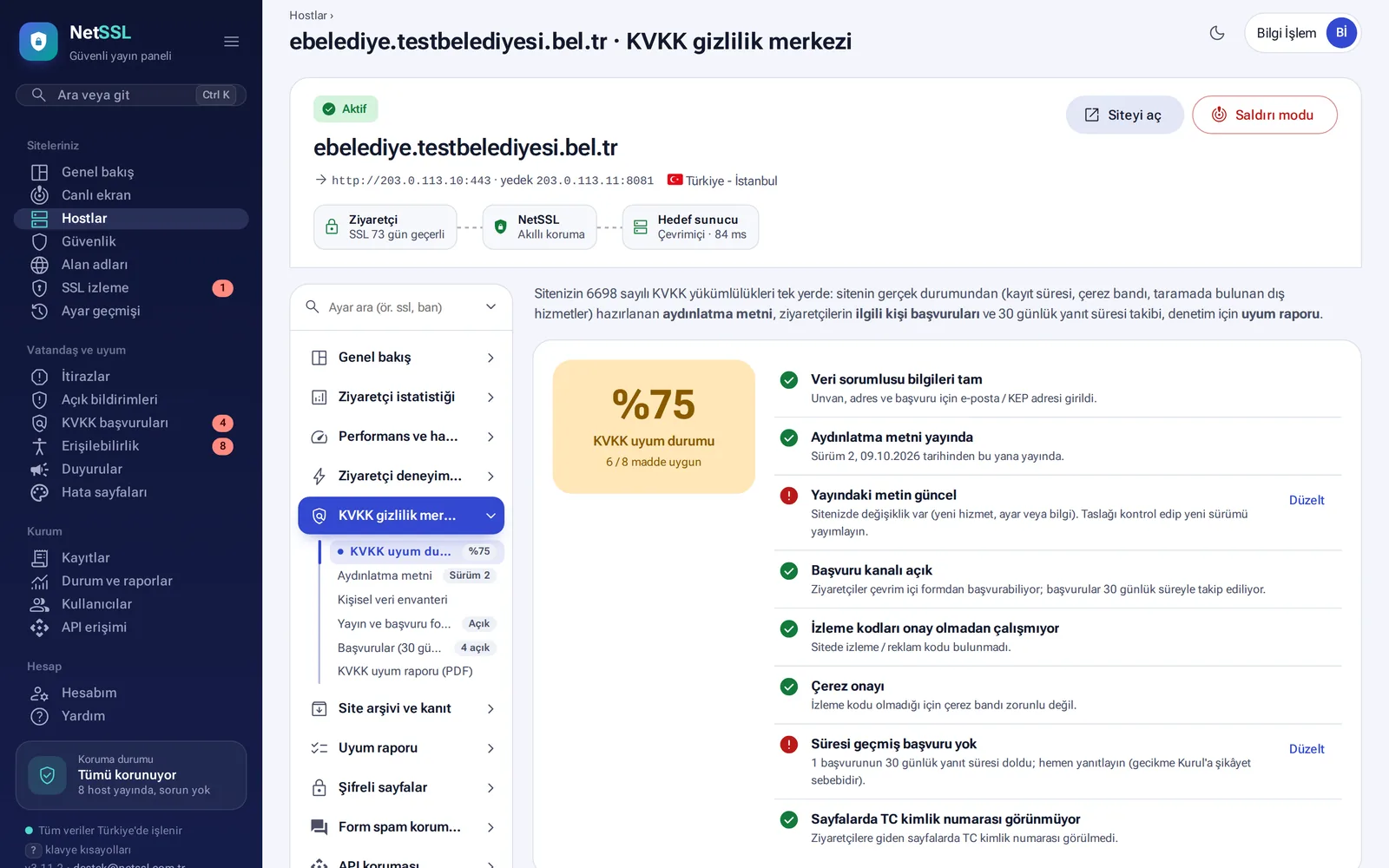
A host's KVKK privacy center page gathers your duties under Law No. 6698 on one screen. The KVKK compliance status card at the top shows as a percentage where your site stands on the 8-item checklist. It lists each missing item with a button to fix it.
Privacy notice
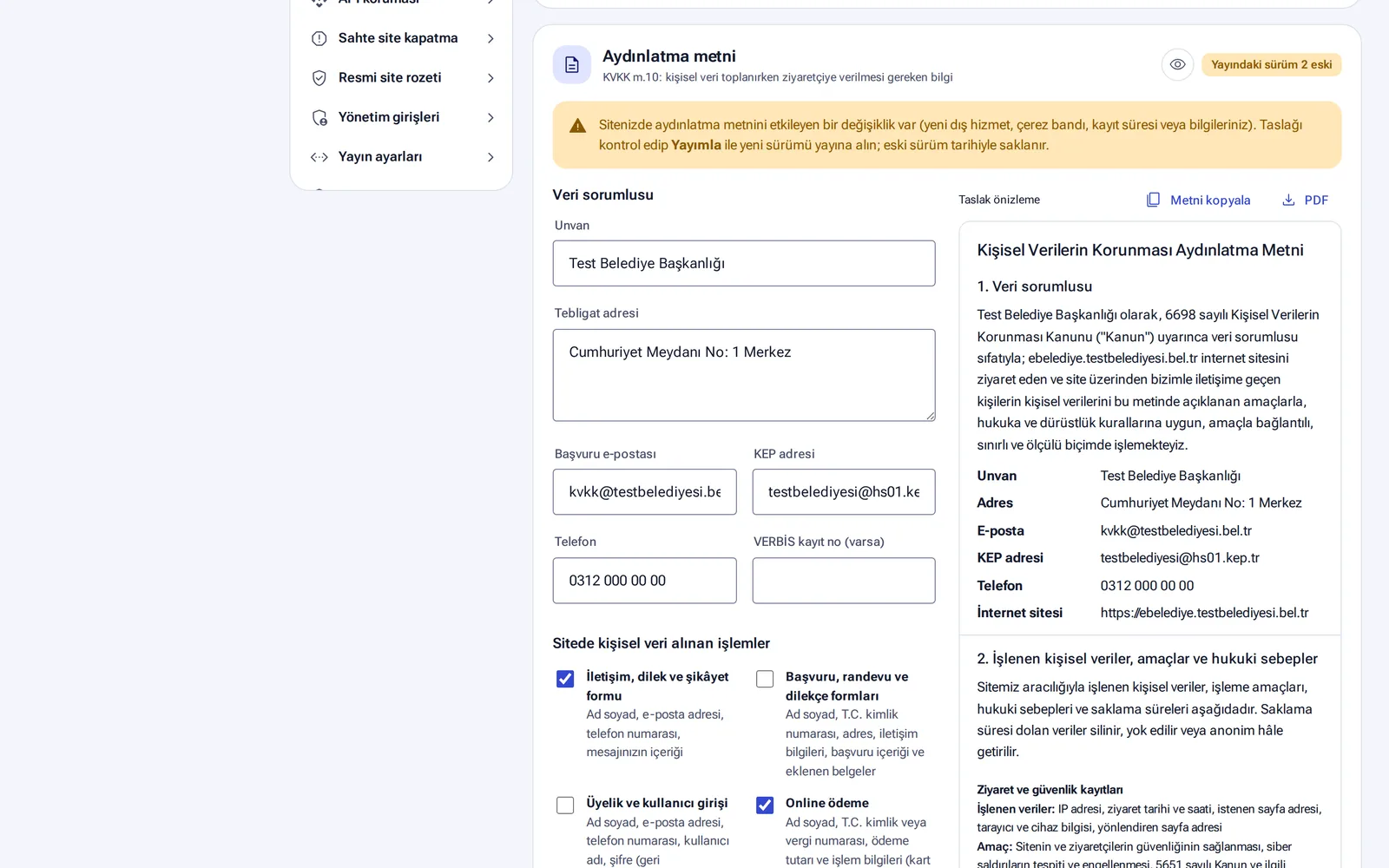
The notice is prepared from your site's actual setup. The log retention period, the cookie banner and the third-party services on your site are written into the text automatically.
- Enter the data controller details: legal name, address for official notices, email for requests, KEP (registered email) address, phone number and, if you have one, VERBIS registration number.
- Tick the actions on your site that collect personal data: contact form, application and appointment forms, membership, online payment, e-newsletter and job applications.
- Preview the draft and click Save and publish new version.
When your site changes (for example, when a new third-party service is added), the panel shows a "published version is out of date" warning and updates the draft. Every published version is stored with its date. You can download the text as a PDF or copy it.
The draft is prepared from your site's technical setup. We recommend that your organization's legal department reviews it before you publish it.
Request form and request tracking
The privacy notice and the request form are hosted on NetSSL. The panel gives you a ready-made link code to add to your site's footer.
- The form asks for the fields required by the Communiqué on the Procedures and Principles of Applications to the Data Controller. Foreign nationals can also submit a request.
- A request counts as received once the applicant confirms their email address. The 30-day legal deadline starts at that moment.
- You are notified 10 days and 3 days before the deadline, and again when it expires.
- The Turkish ID number is stored encrypted and appears masked in the panel. When someone reveals it, this action is logged.
- Closed requests are deleted automatically after 3 years.
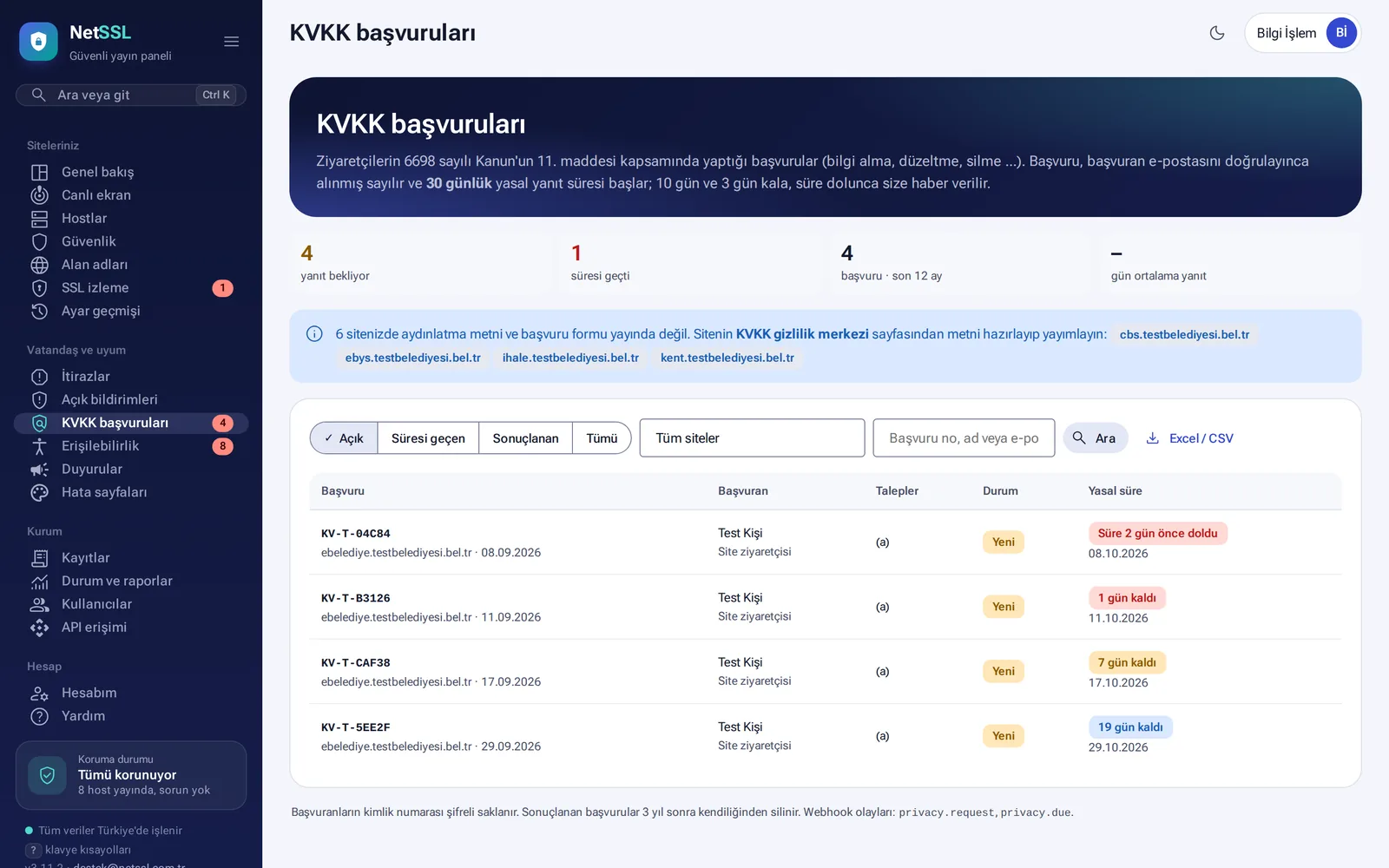
The Citizens and compliance → KVKK requests page collects the requests of all sites in one list. You can search and filter requests and download them as Excel/CSV.
Cookie consent banner
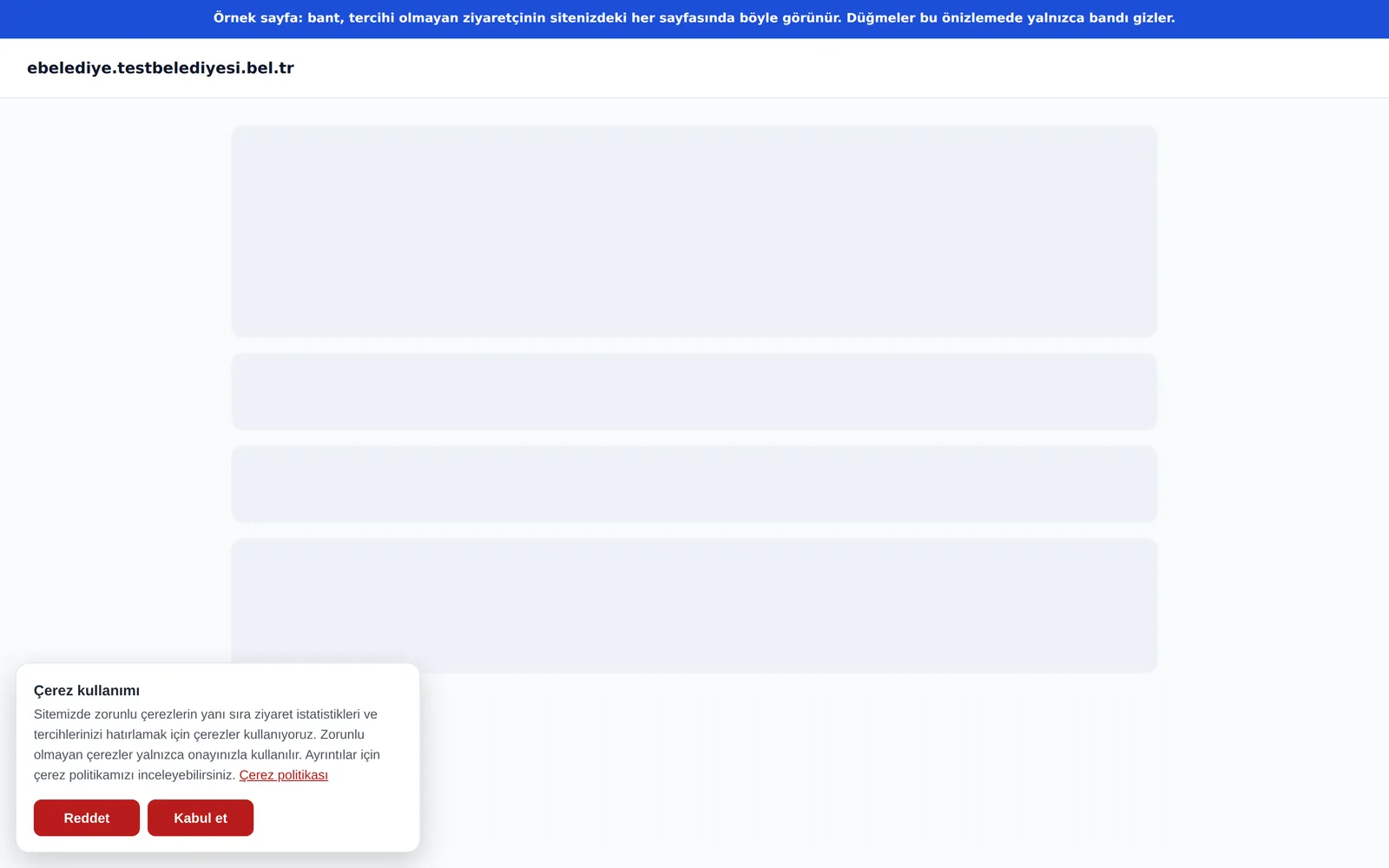
A cookie consent banner is added without any change to your site. The Accept and Reject buttons look the same. Tracking codes such as Google Analytics, Meta Pixel, Yandex Metrica, Hotjar and Microsoft Clarity do not run until the visitor gives consent. When the visitor accepts, the codes run right away on the same page. By default the choice is remembered for 6 months, and the visitor can change it later.
Personal data inventory and cross-border transfers
- Personal data inventory: a table ready for your VERBIS work. It lists data categories, the data processed, the legal basis and retention periods.
- Third-party services and cross-border transfers: the panel finds which outside services and countries your site sends visitor data to. You can download the list as Excel/CSV.
- Turkish ID number leak alert: you are notified if Turkish ID numbers appear on a page. The numbers are not stored.
- KVKK compliance report (PDF): a report for senior management, the KVKK contact person and audits. It contains the checklist, the inventory and request statistics.
Frequently asked questions
Can we publish the privacy notice on our own site?
Yes. You can copy the text to your own page or link to the address hosted on NetSSL.
Do these tools make us KVKK-compliant on their own?
No. The tools make your compliance work easier. The organization is the data controller, and it is responsible for compliance.