
Protected pages
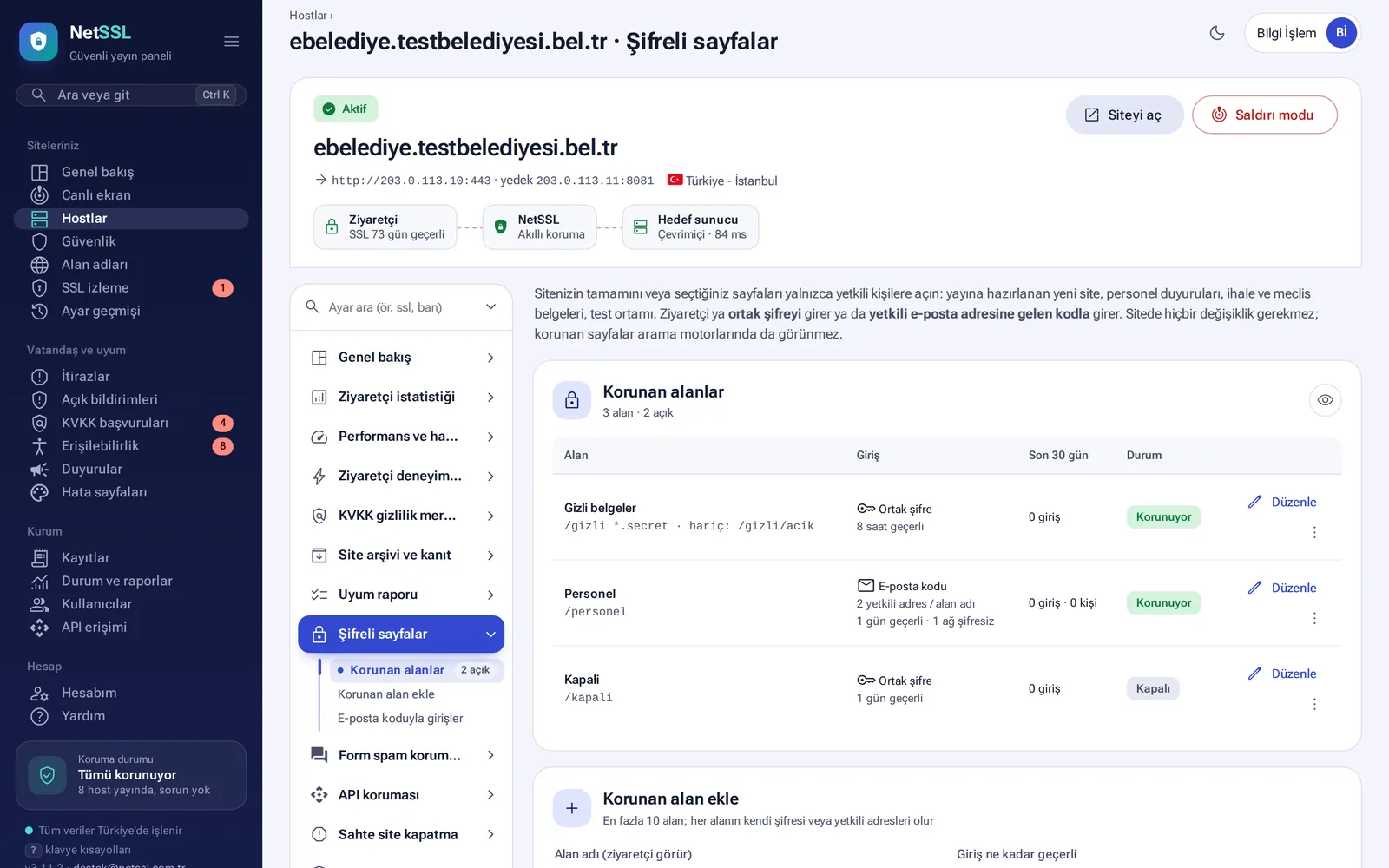
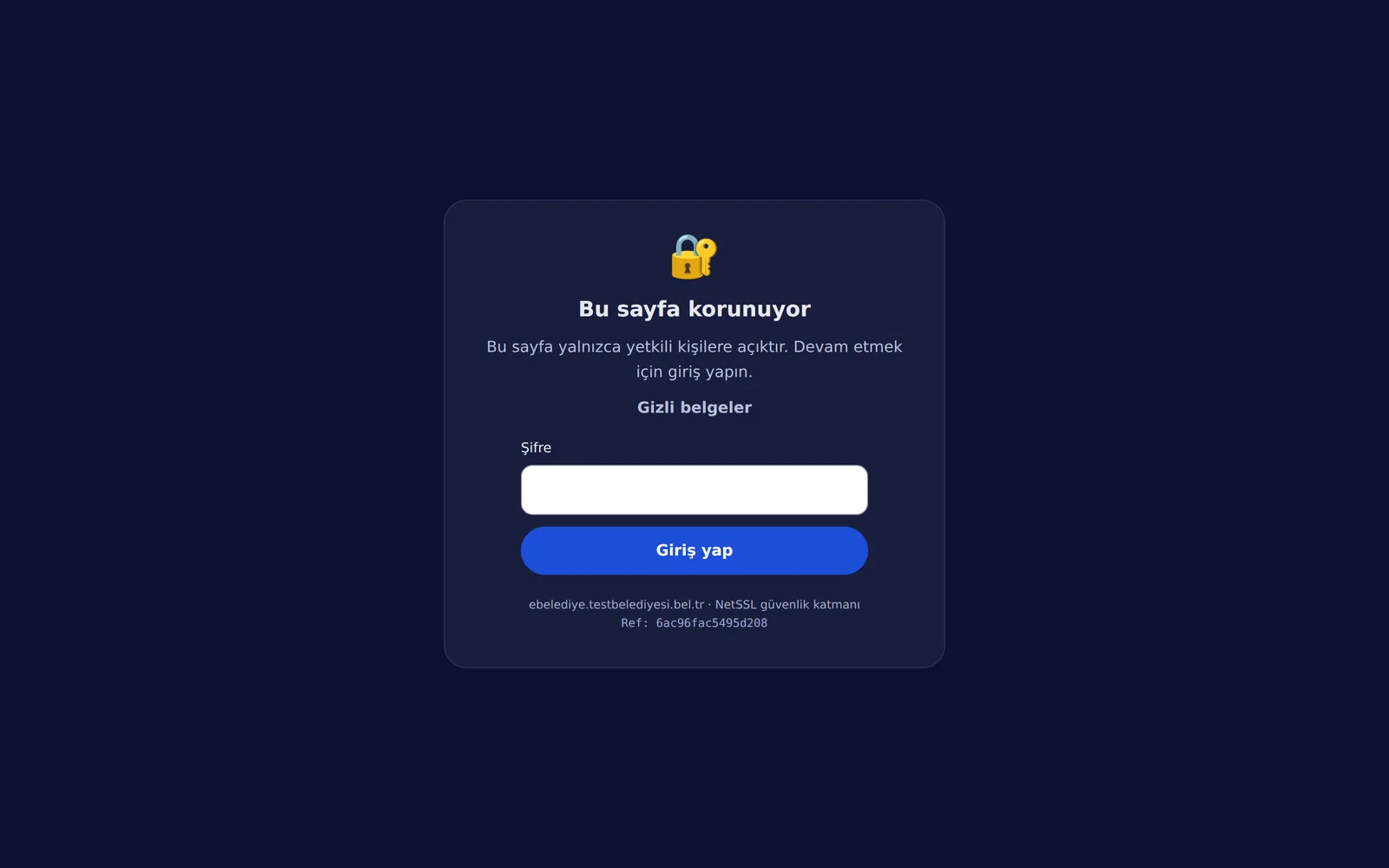
You can open the whole site, or sections such as staff, tender and council documents, only to authorized people. No change to your site is needed.
- Shared password: one password for a group such as contractors or board members. It must be at least 8 characters long. NetSSL does not store the password. It keeps only a hash to verify it. The password is shown once when you save it. When the password changes, everyone is signed out.
- Email code: a 6-digit code is sent only to authorized addresses. A record of who signed in is kept for 1 year.
Ready-made path templates are available: whole site, staff pages, tender and council documents, and test site. *.pdf covers all PDFs. You list the paths that stay public separately (for example /robots.txt). Visitors on networks such as your organization's building are not asked for a password. Protected pages do not appear in search engines. You can define up to 10 protected areas per site.
Site admin login alerts
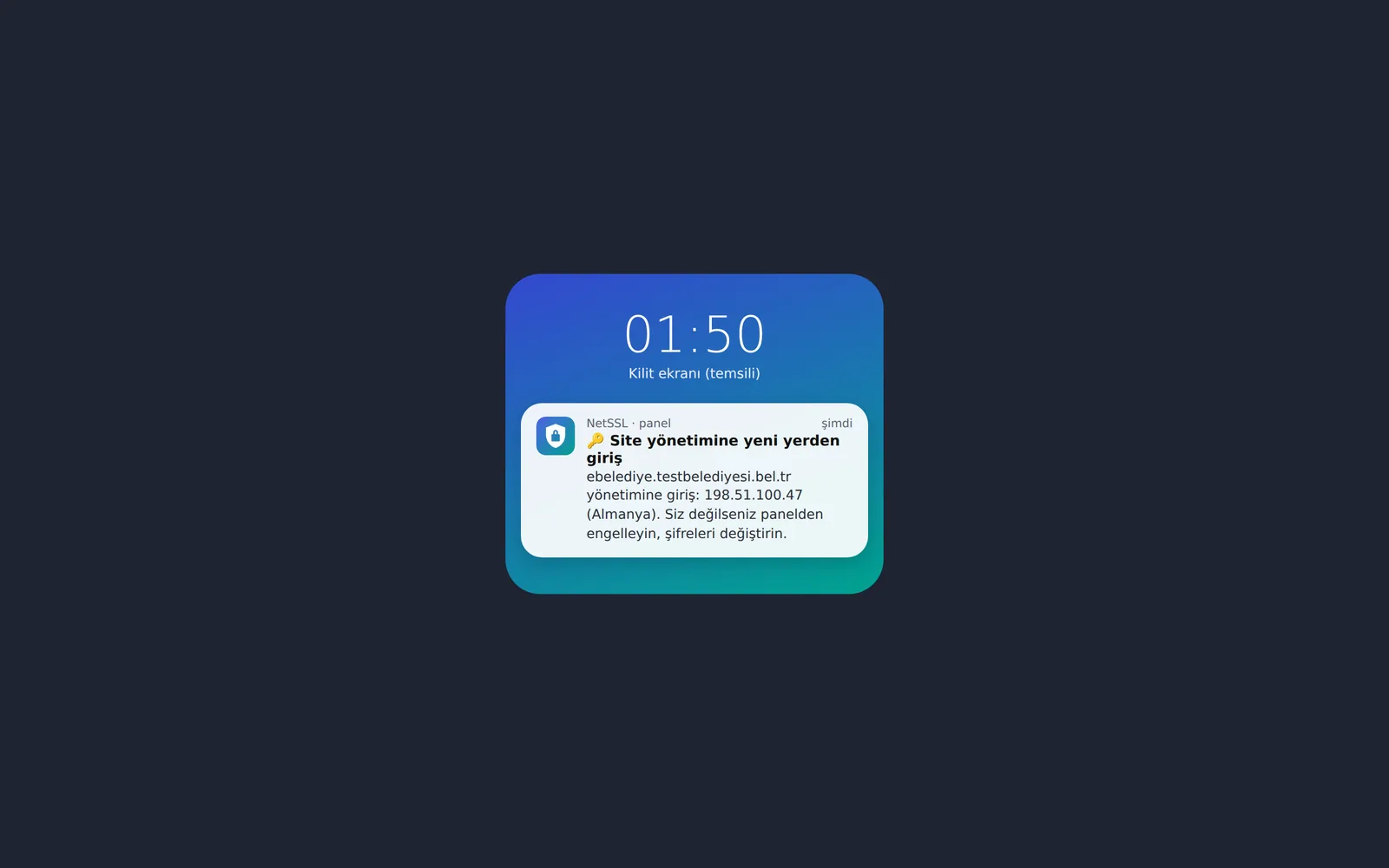
NetSSL sees successful logins to WordPress, Joomla, Drupal or your own admin page. The username and password in the form are not read or stored. You choose when you are notified:
| Option | When does it alert you? |
|---|---|
| Login from a new network or country (recommended) | It learns the known networks during the first 3 days. After that, it alerts you when a login comes from a new network or country. |
| Only logins from abroad | For teams that work over mobile connections |
| Every login | At most once every 6 hours for the same IP |
The last 100 successful logins are kept for 1 year. Networks used for a login in the last 180 days count as known networks.
To close your admin pages completely, turn on the Admin panel lock rule on the Security page. The pages then open only from the organization's network or with an email code.
API protection
You add rules with ready-made templates for your mobile app, e-municipality integration, WordPress REST or GraphQL addresses:
- Request limit: by default, 120 requests per minute per IP. A client that goes over it gets a 429 response. An IP that goes over 5 times the limit is banned.
- Allowed methods: GET, POST, PUT, PATCH and DELETE. Other methods get 405.
- You can also set a maximum body size and a required Authorization header. A request without the header gets 401.
- JSON only: if a POST, PUT or PATCH body is not JSON, the response is 415.
- Allowed origin sites (CORS): browser requests from other sites get 403. Requests from mobile apps and servers are not affected.
- Test mode: the rule does not block anything. It only counts.
API paths are exempt from the browser verification. A client that breaks a rule gets a clear JSON error response.
Form spam protection
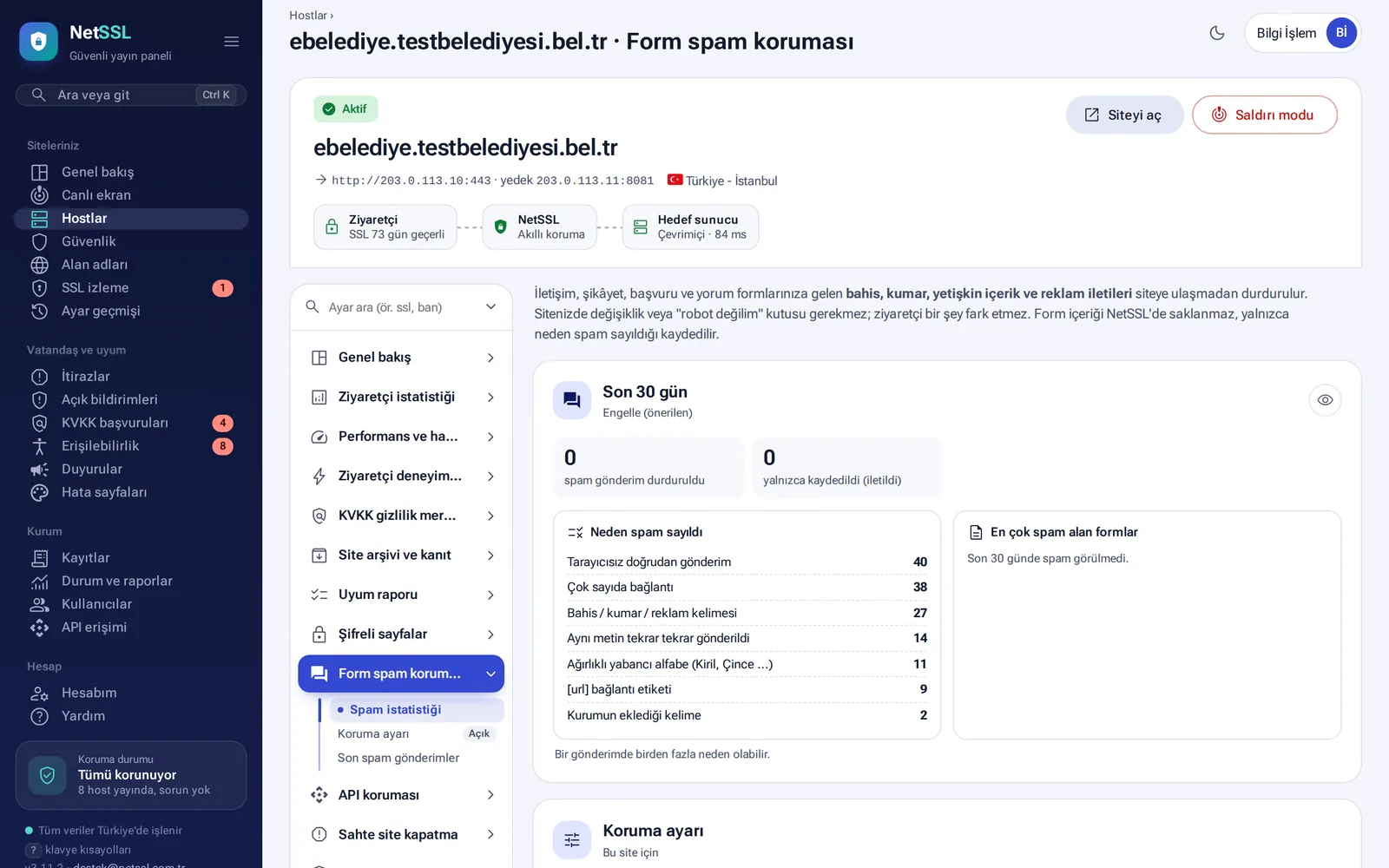
Betting, gambling, adult and advertising messages sent to contact, complaint, application and comment forms are stopped. No "I'm not a robot" box is needed. Form contents are not stored. Only the reason a submission was counted as spam is recorded.
- Spam reasons include direct submission without a browser, many links, betting and advertising words, the same text repeated, text mostly in a foreign alphabet and words you add yourself (up to 50).
- With Block (recommended), the visitor sees a page that explains the reason, with an appeal button. With Log only, the submission goes through.
- Admin pages and logged-in WordPress/Joomla users are not checked.
Frequently asked questions
Do we need to create user accounts for protected pages?
No. A shared password or an authorized email address is enough.
Will API protection break our mobile app?
Run the rule in test mode first. You will see which requests would be caught, without blocking them.