
Which events do you get notified about?
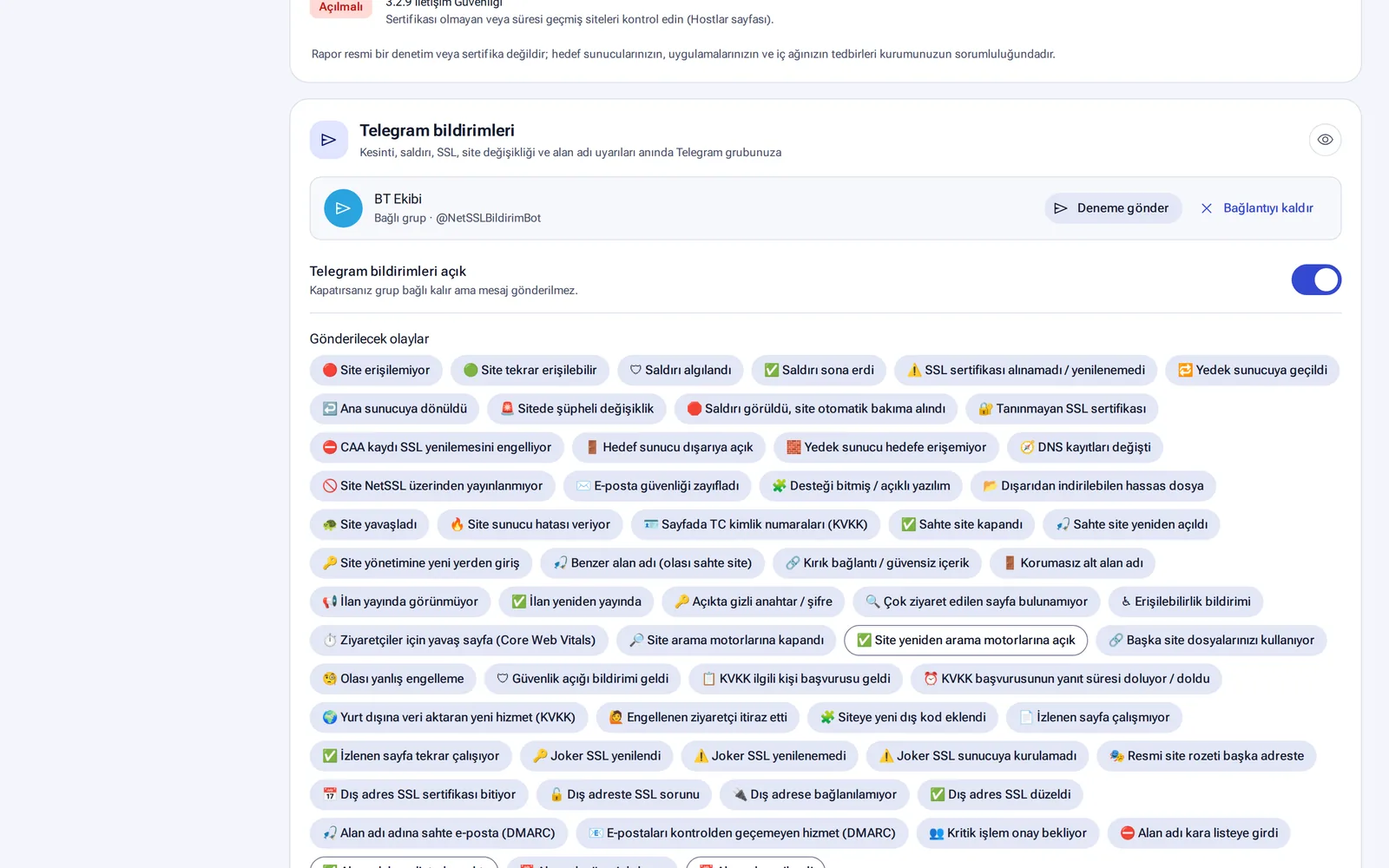
Notifications can be sent for more than 60 events. Examples are a site going down, an attack starting, a certificate about to expire, a change in a domain's DNS record and a fake site being found. You choose, event by event, which channel each notification goes through.
Channels
| Channel | How does it work? |
|---|---|
| It always goes to the users who receive notifications. | |
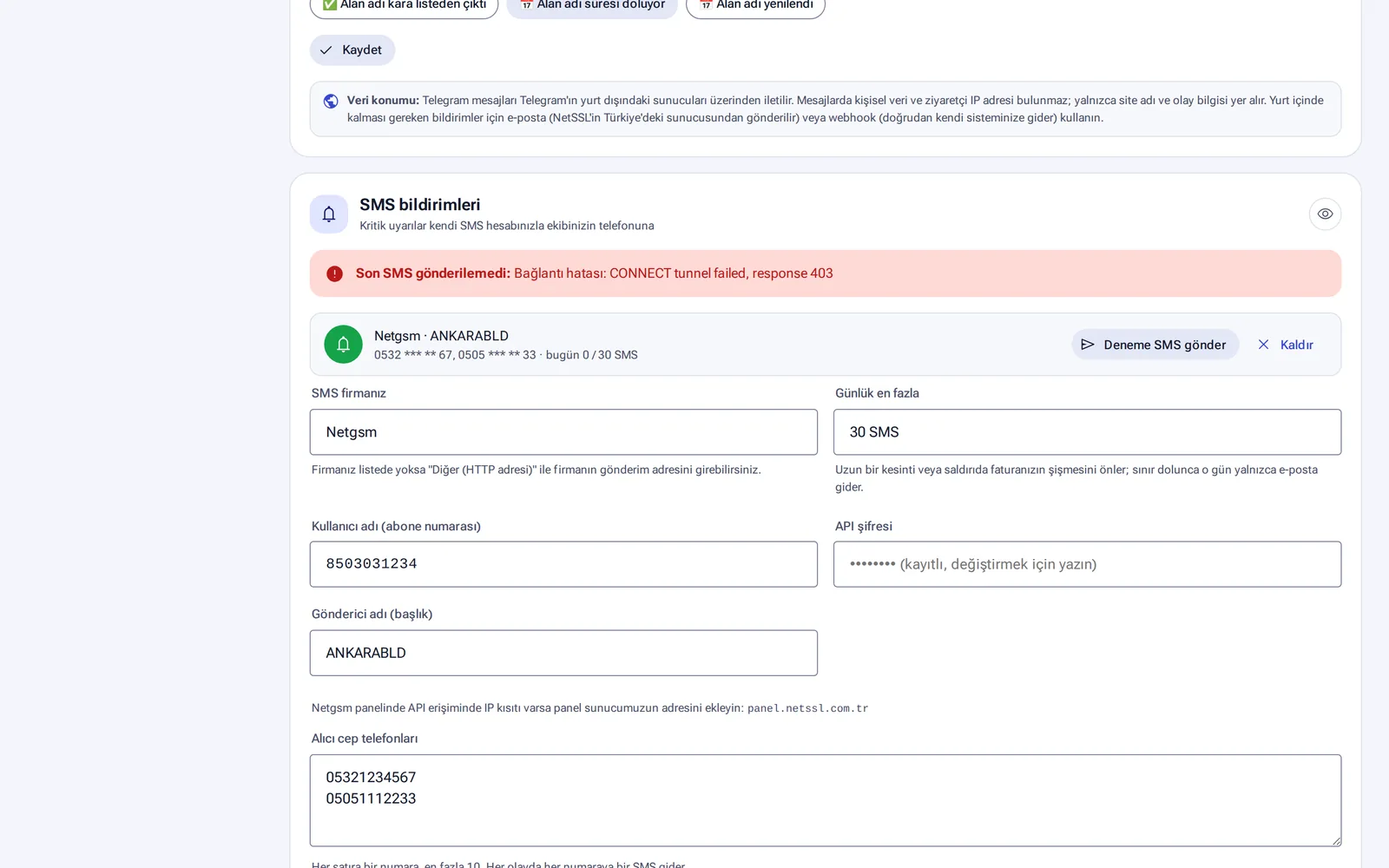
| SMS | Messages go out through your organization's own SMS account (Netgsm or another provider with an HTTP endpoint). You can have up to 10 recipients and 30 SMS per day. When the limit is reached, only email goes out for the rest of that day. |
| Telegram | It connects to your team's group through a bot. Messages do not contain personal data or visitor IPs. |
| Push notifications to your phone | It sends push notifications to browsers on phones and computers. |
| Webhook | Events are sent to your own system as JSON. |
SMS provider details and phone numbers are stored encrypted. Every channel has a Send test button.
Webhook
- Events are sent to your
httpsaddress with a JSON body. The panel shows a sample request body. - Requests are signed, so you can verify that a request came from NetSSL.
- A failed delivery is retried 5 times.
- There are about 60 event codes, for example
host.down,attack.start,tls.expiring,site.defacedandprivacy.due.
SIEM / CSIRT forwarding
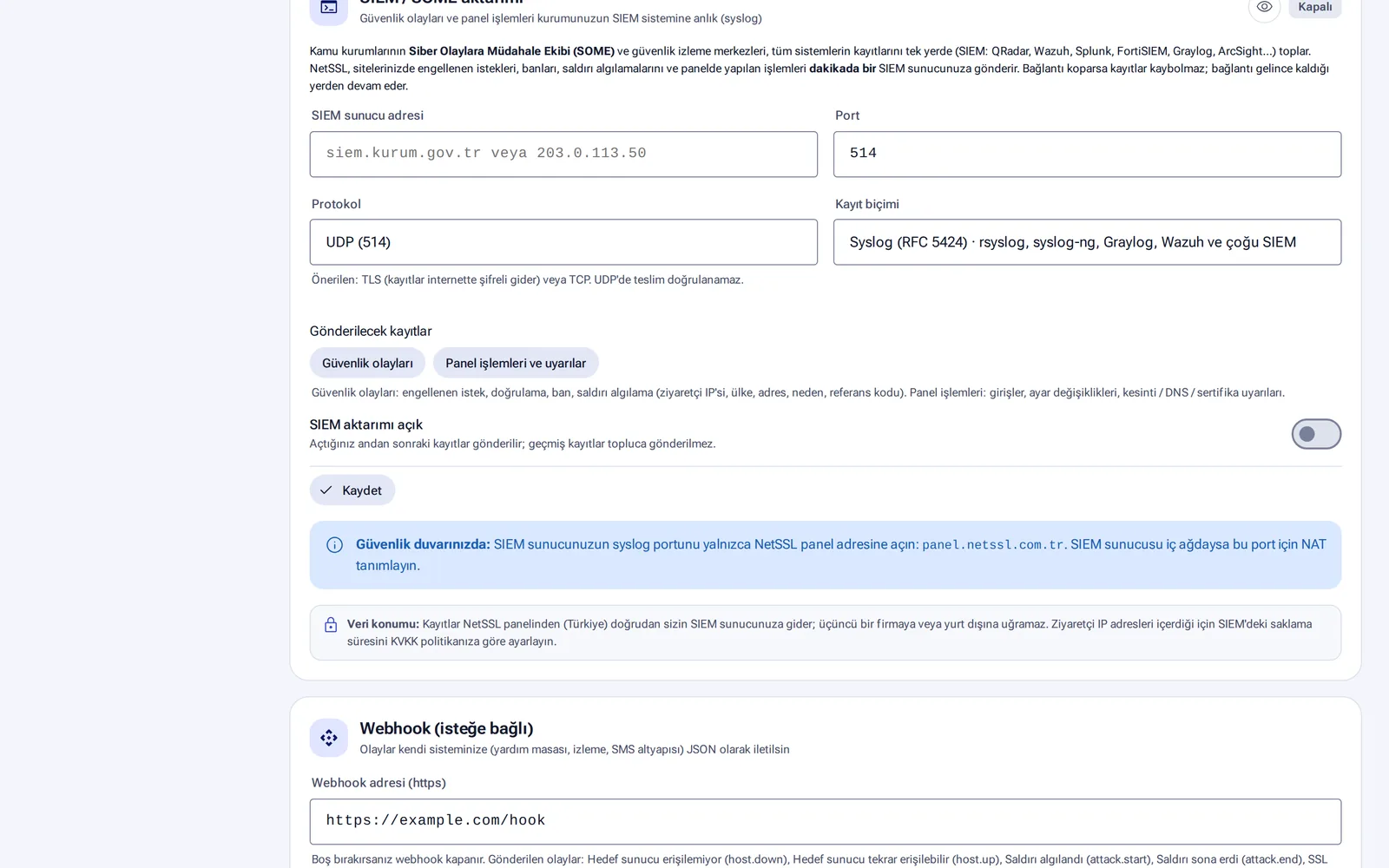
Security events, panel actions and alerts are forwarded to your SIEM system every minute. QRadar, Wazuh, Splunk, FortiSIEM, Graylog and ArcSight are supported.
- Format: Syslog RFC 5424 (compatible with rsyslog and syslog-ng)
- Protocol: UDP, TCP or TLS (TLS or TCP recommended), default port 514
- If the connection drops, no records are lost. Forwarding resumes where it left off.
Customer API
You create API keys in the Organization → API access section. A key can be read-only or read-write. Creating a key with write access is a critical action and needs confirmation with an email code. API keys and passwords that organizations enter are never shown again in the panel after they are saved.
When you set up a new channel, you can test it with a real report using the Send me last week's summary now button.
Frequently asked questions
Who pays for the SMS messages?
SMS messages are sent from your organization's own SMS account. The cost follows your provider's rates.
Telegram operates outside Türkiye. Is that a problem?
Telegram messages do not contain personal data or visitor IP addresses. Notifications that contain this information go only by email, SMS or webhook.