
Information security compliance report
NetSSL matches the web publishing measures of the Information and Communication Security Guide, issued under Presidential Circular No. 2019/12, to your settings. The host's Compliance report page shows each measure with its item number and status: met, partially met, or the organization's responsibility. Next to a missing measure, Go to setting takes you straight to the related setting.
- Compliance score: a percentage that leaves out the items under the organization's responsibility
- KVKK technical measures (VERBIS): the status of the technical measures that cover the website
- PDF report: includes evidence for internal audits, the Turkish Court of Accounts and KVKK audits
- Notify me if compliance drops: the check runs every Monday. If a measure that was met last week is now missing, you get an email.
The report for all sites is on the Organization → Status and reports page. From there, you can apply missing recommendations in one click, for example “Always on: turn on for 7 sites”.
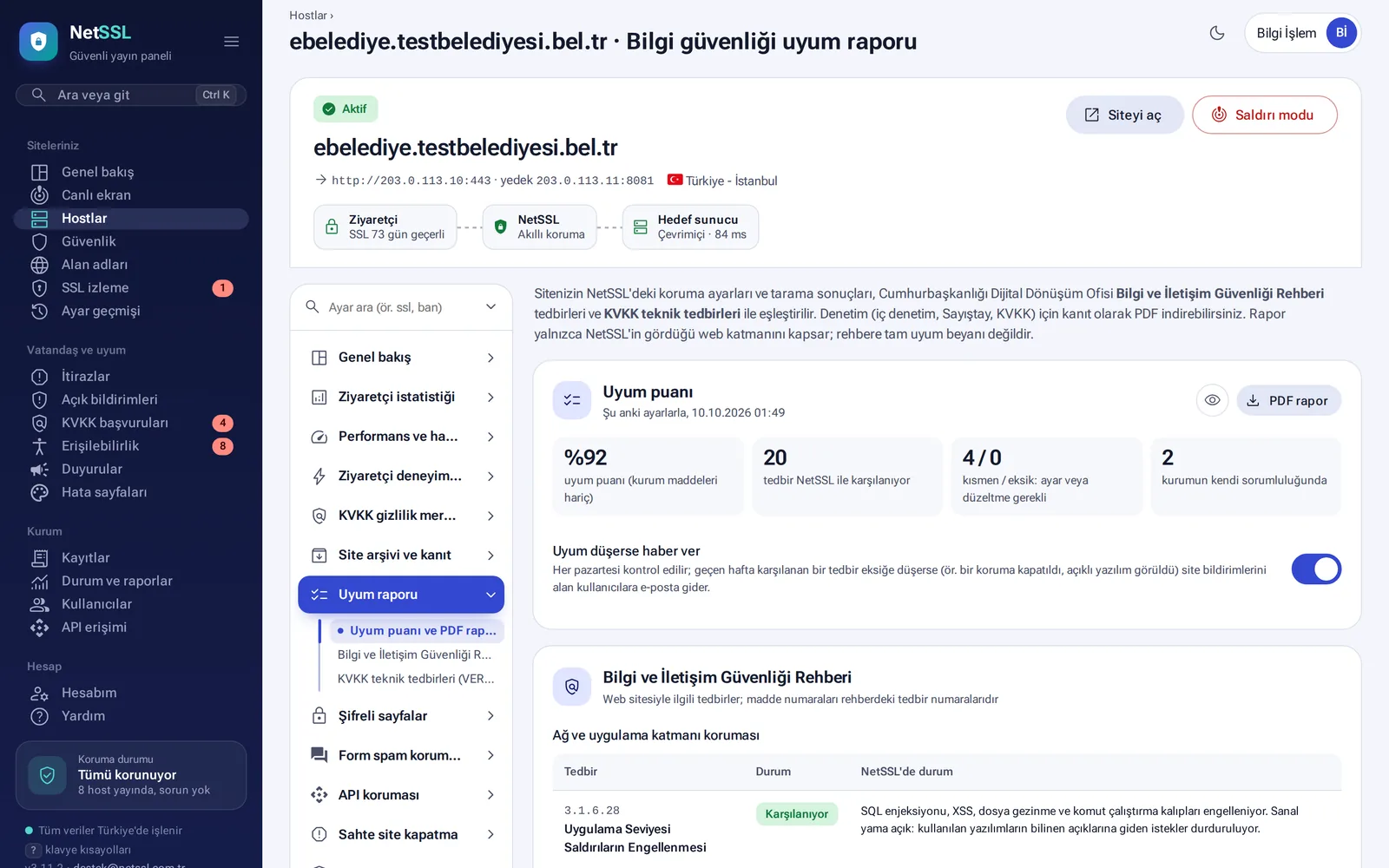
The report covers only the web layer that NetSSL sees. It is not an official audit or certificate. It does not replace the guide's measures outside web publishing.
Availability and outages
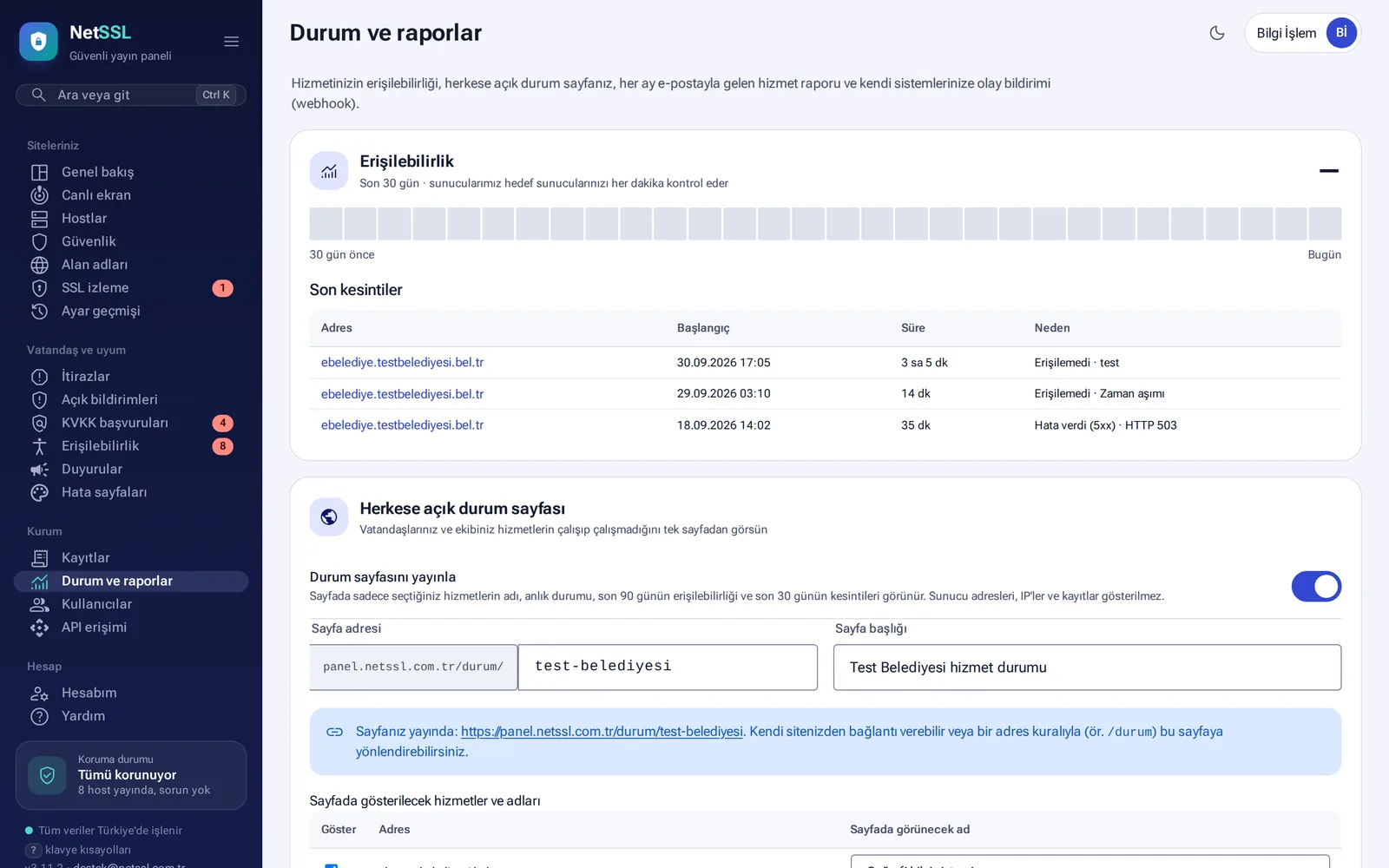
The top of the Status and reports page shows availability for the last 30 days and recent outages (address, start, duration, cause). The target servers are checked every minute.
Public status page
Your citizens and your team see on a single page whether your services are working. You turn it on with the Publish status page switch.
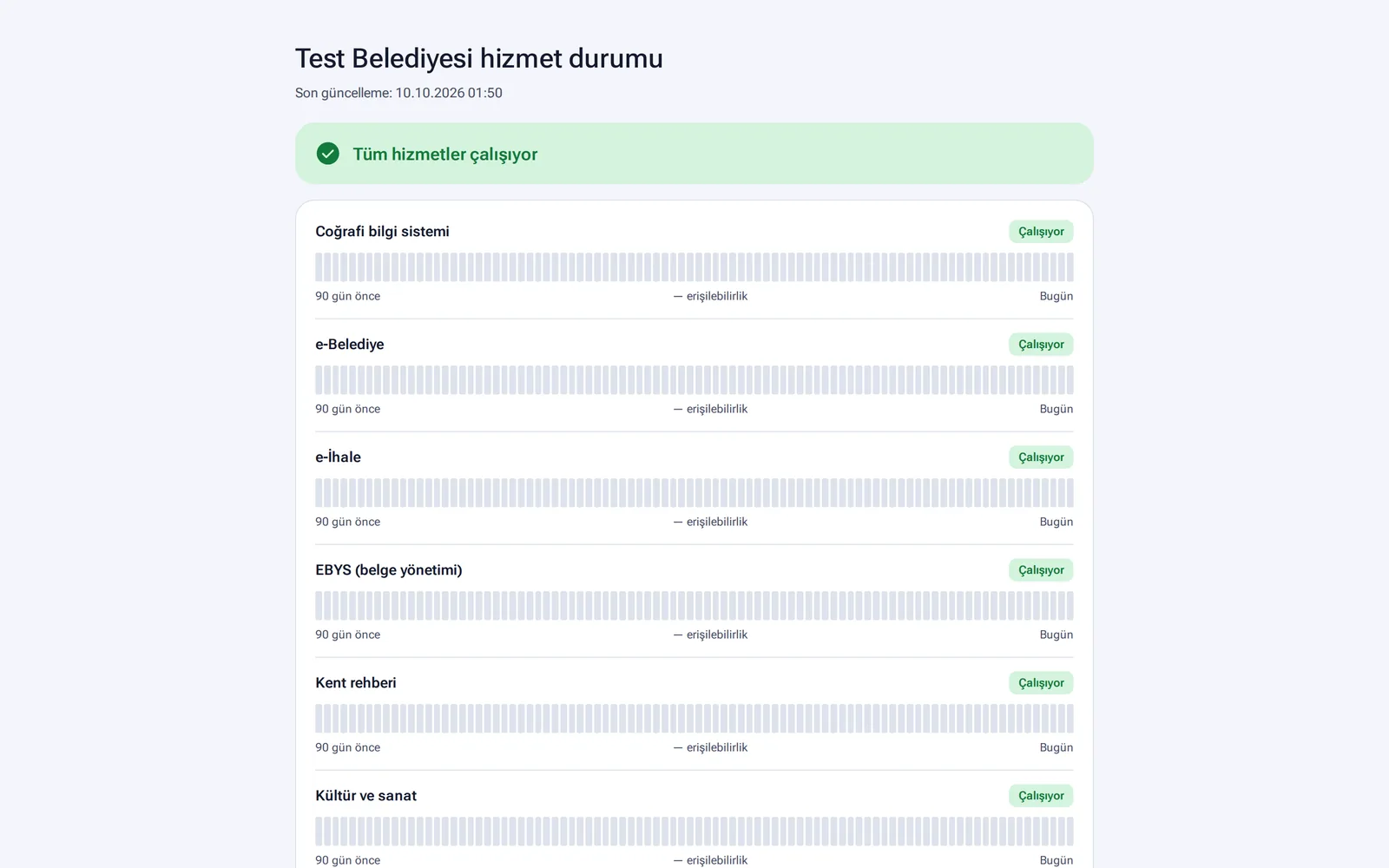
- The page shows each service's current status, its availability over the last 90 days and its outages in the last 30 days.
- Server addresses, IPs and logs are not shown.
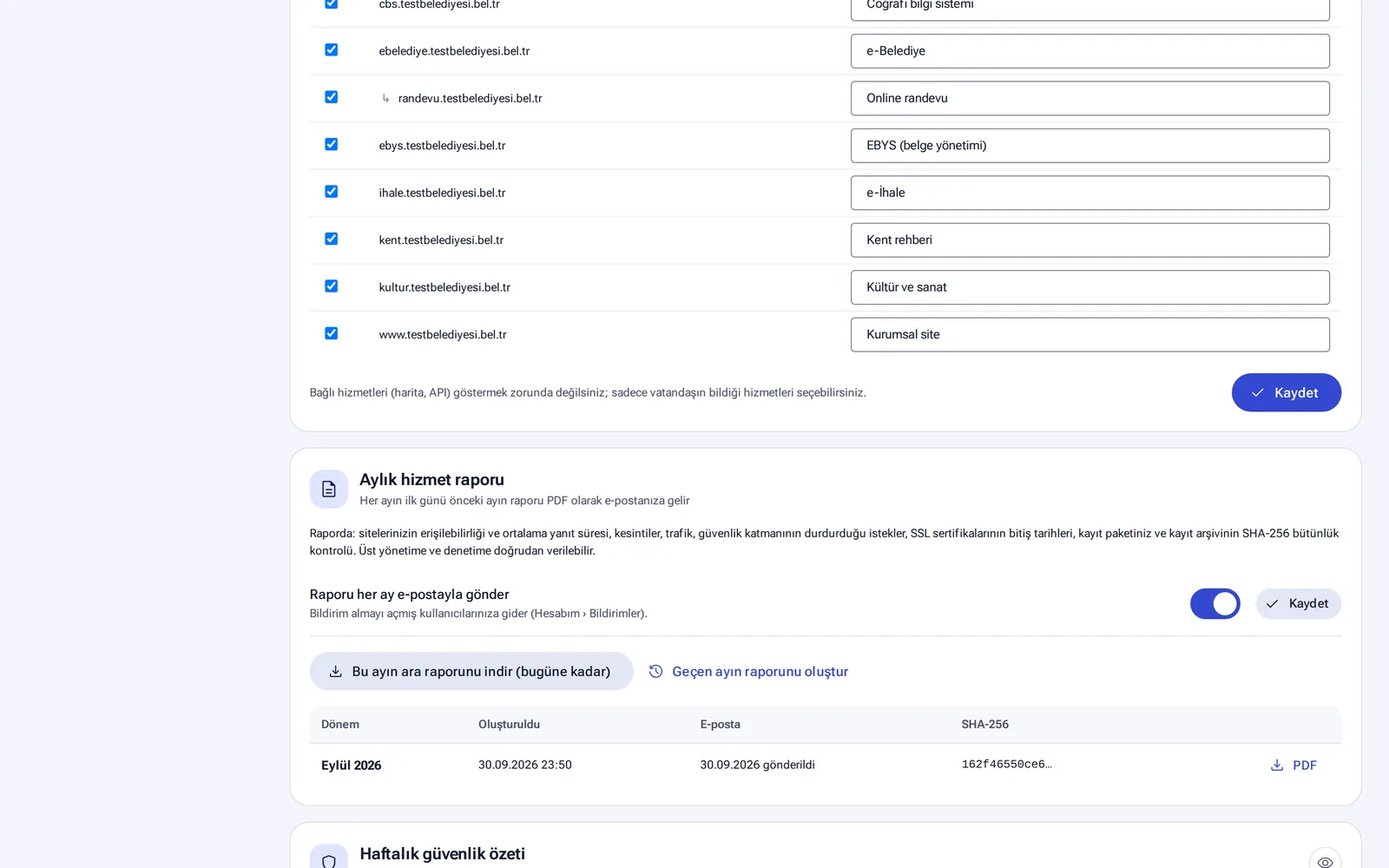
- You choose which services appear and the names they appear under.
- The page refreshes every minute. You can link to it from your organization's website or redirect the
/durumaddress to it.
Monthly service report and weekly summary
- Monthly service report: on the first day of each month, you receive the previous month's PDF report by email. The report covers availability, average response time, outages, traffic, stopped requests, SSL expiry dates and a SHA-256 integrity check of the log archive. You can also download an interim report for the current month at any time.
- Weekly security summary: it arrives every Monday morning and takes a minute to read. It summarizes stopped requests and the change from the previous week, the most blocked countries, availability, AI bots, and domains and SSL certificates that are about to expire.
Frequently asked questions
Can we give the compliance report directly to an auditor?
Yes. The PDF report shows the status of each measure, with evidence from NetSSL records. For the guide's measures outside the web, your organization needs its own documents.
Does maintenance work show up as an outage on the status page?
No. During planned maintenance, availability is not measured and the time does not count as an outage.