
Announcement banner
On the Citizens and compliance → Announcements page, you place an announcement banner at the top of every page on the sites you choose. You do not need to change anything on your site.
- Click the New announcement button.
- Enter the type of announcement (for example, a planned outage) and its text.
- Choose the sites where the announcement will appear and its display period.
Past announcements stay in the list. With Reuse, you can publish a similar announcement again in a few seconds.
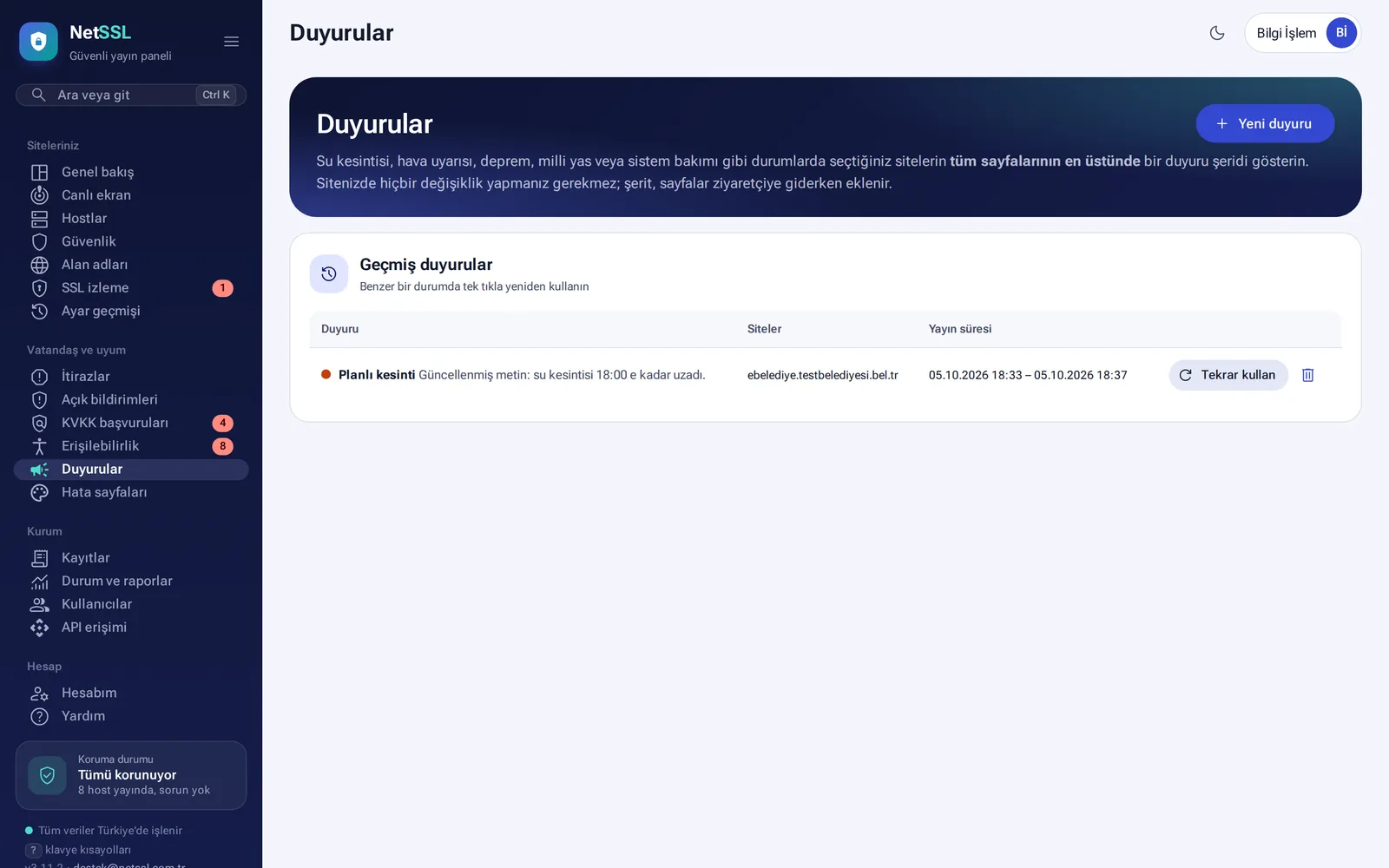
Use it for announcements that must appear on all sites at the same time, such as a water outage, a weather warning, an earthquake, national mourning or system maintenance.
Error and warning pages
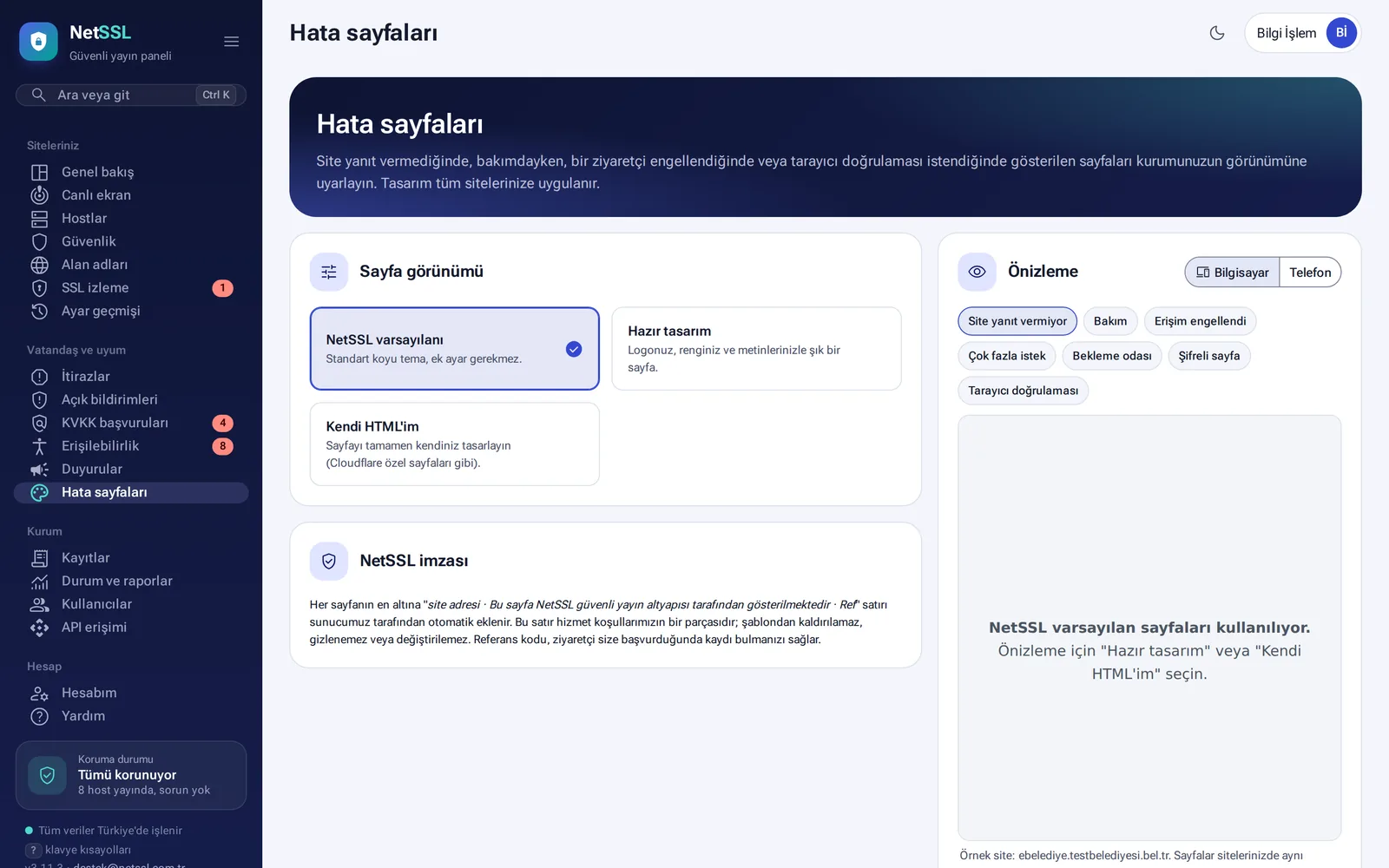
When a site does not respond or is under maintenance, when a request is blocked, or while a browser verification runs, the visitor sees a page shown by NetSSL. You choose the appearance of these pages in the Citizens and compliance → Error pages section. The design applies to all sites.
| Appearance | Description |
|---|---|
| NetSSL default | Standard dark design |
| Ready-made design | Your organization's logo, color and wording |
| My own HTML | A design that is entirely your own |
The preview shows the desktop and phone views separately. There are seven page types: site not responding, maintenance, access blocked, too many requests, waiting room, password-protected page and browser verification.
Language of visitor pages
These pages appear in Turkish, English, Arabic or German, based on the visitor's browser language. The visitor can change the language at the bottom of the page.
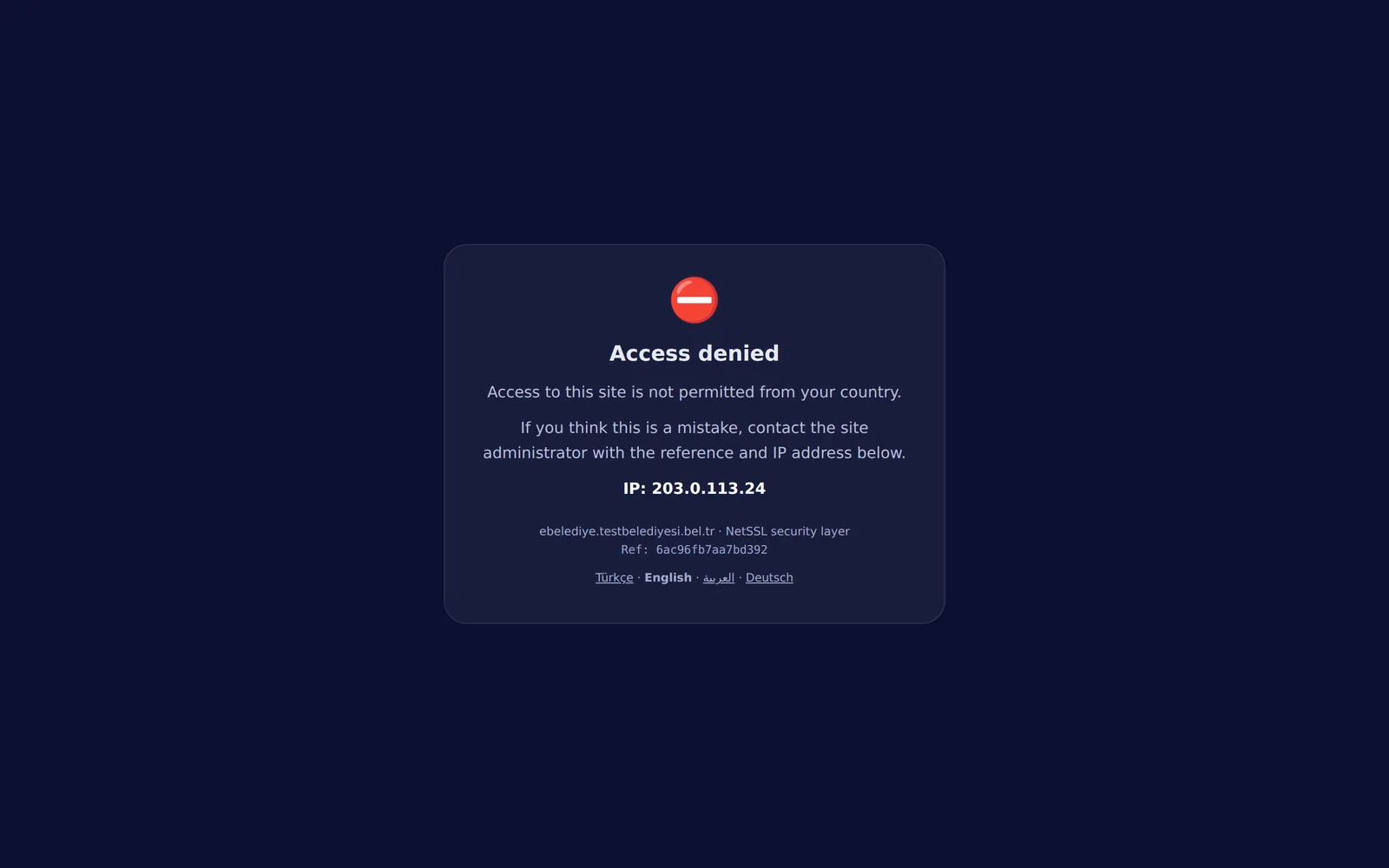
Every page shows the site name and a reference code at the bottom. You cannot remove this line. When a visitor contacts you with this code, it helps you find the log entry for the event.
Frequently asked questions
Does an announcement disappear on its own at a set time?
Yes. The banner disappears on its own when its display period ends.
If we use our own HTML design, is the reference code still shown?
Yes. The reference code line is added to the bottom of the page in every design.